> For the complete documentation index, see [llms.txt](https://docs.kbgfuzion.com/erp/llms.txt). Markdown versions of documentation pages are available by appending `.md` to page URLs; this page is available as [Markdown](https://docs.kbgfuzion.com/erp/knowledge-base/purchase/different-purchase-price.md).
# Different purchase price
There are situations where we have different purchase pricing when buying and selling products.
For example,
I purchased a book for Rs.150 and the sale is Rs.200
Now, the purchase price increased and it's Rs.160,
The question is, what price will I sell now for the same product with a different purchase price rate?
{% hint style="info" %}
**Purchase Solution:**
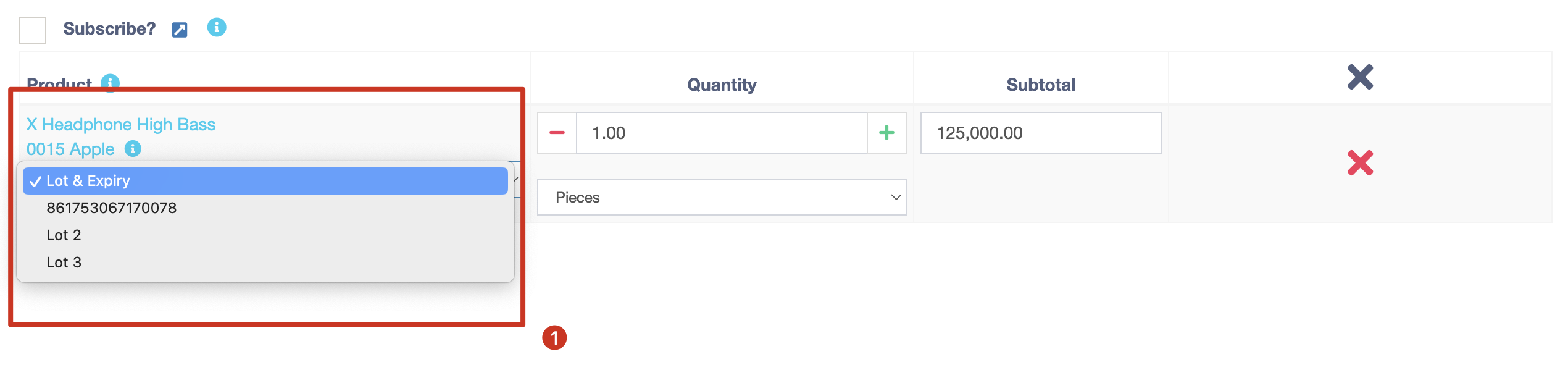
While purchasing you can add the recent purchase rate amount using Lot numbers for different lots of purchases.
{% endhint %}
To update the selling price you can do it by editing a product individually or going to `Products -> Update Price - Export Product Price` and update the new price in bulk.
To sell the specific purchased lot you can select it on the POS screen or if you didn't select it, It will automatically follow the FIFO method.
To check the purchased lot reports you can go to `Reports -> Lot / IMEI Reports`
Here you can see how much you have sold, current stock report, lot number, expiry dates, total unit adjusted, and many more.